Microsoft 365 (Outlook, Teams and other apps), Moodle and InSIS login
For login to Microsoft 365, use the same login details as for the InSIS – only with the difference the username is including @vse.cz domain. The password is same as for the InSIS. We recommend logging into M365 first (including setting up MFA) and then logging into InSIS via Microsoft 365.
More information about login can be found at: https://ci.vse.cz/english/services/office365/login-to-office-365/
You can access Microsoft 365 from several locations in a web browser:
- via special entry address o365.vse.cz,
- via the Microsoft 365 link on the top bar of your school websites,
- via the Microsoft entry portal at m365.cloud.microsoft enter the username including @vse.cz on the general login screen and you will be redirected to the school authentication server.
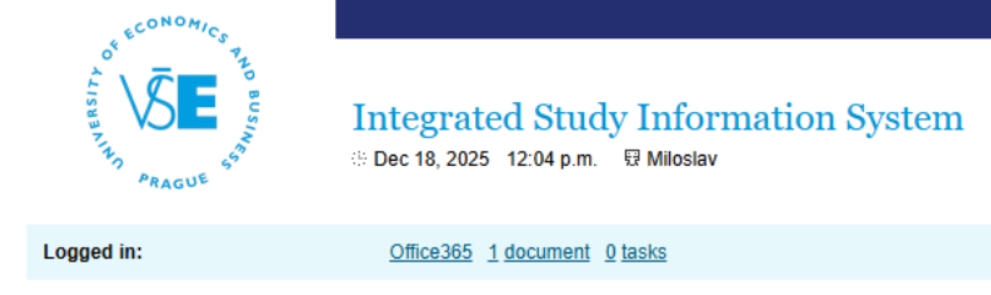
- via the Office365 link in InSIS (after login to InSIS, the prolink to Office 365 is in the headline of the page and it redirects you to your Outlook homepage)
Microsoft 365 is a suite of cloud services and office software from Microsoft. All services are available via web interface, desktop applications (Outlook, Word, Excel,…) and mobile applications.
It includes applications such as Outlook, OneDrive, SharePoint, Teams, Word, Excel, PowerPoint, OneNote etc.). For more information and installation guide, please visit: https://ci.vse.cz/english/services/office365/basicinfo/ & https://ci.vse.cz/english/services/office365/installing-office-from-o365/